
Telegram Payment Bot for Groups and Channels

Collect payments directly from your Telegram community with a professional payment flow. Metricgram's Telegram payment bot integrates with Stripe to handle billing, invoicing, and subscription management — so you get paid reliably without chasing anyone.

  • Accept credit card and debit card payments via Stripe
  • Automated invoicing and payment reminders
  • Subscription management with automatic renewals
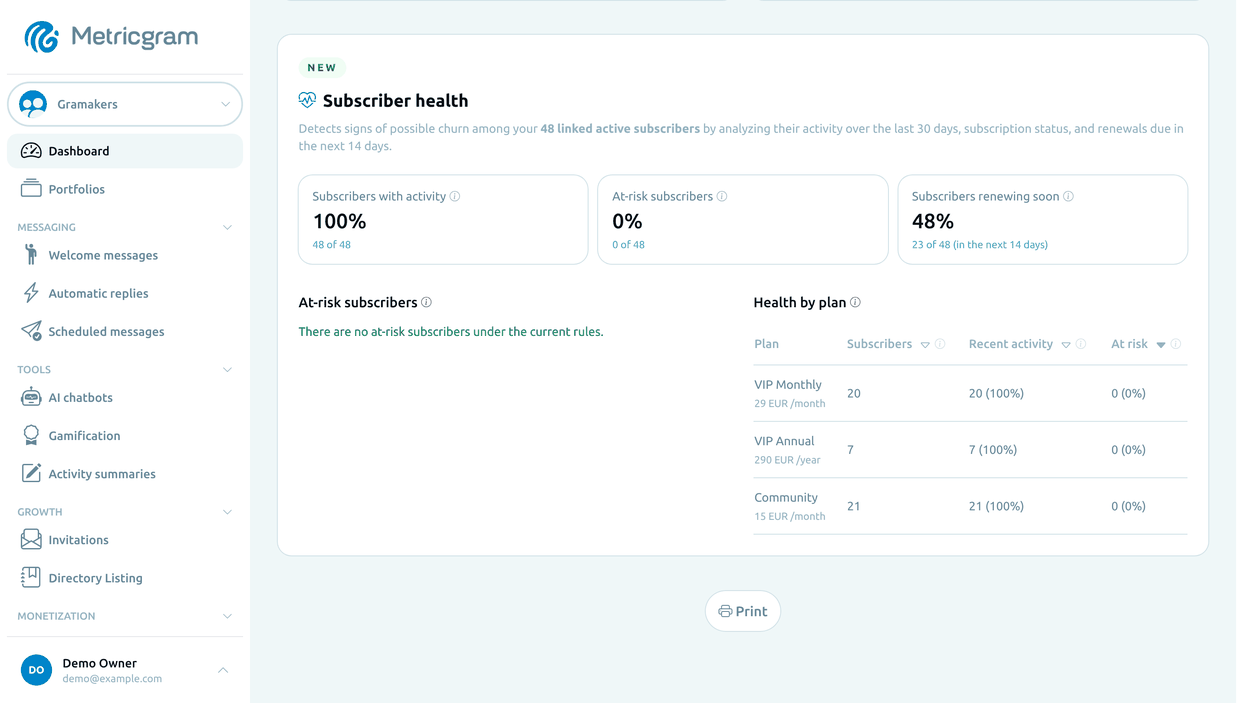
  • Revenue indicators from your synced Stripe subscriptions
No credit card required Set up in 2 minutes

How it works

1

Connect your Stripe account

Link your existing Stripe account (or create one) to Metricgram. You keep full control of your funds — payments go directly to your account.

2

Set your pricing

Define payment amounts, billing frequencies, and any trial periods. Create a professional checkout page that represents your brand.

3

Start collecting payments

Share your payment link with your community. The Telegram payment bot handles the rest — processing payments, granting access, and managing renewals automatically.

Why use a Telegram payment bot?
Collecting payments manually through Telegram — via direct messages, bank transfers, or crypto — is messy and doesn't scale. A Telegram payment bot gives your community a professional payment experience: members click a link, pay with their card, and get instant access. No back-and-forth, no lost payments, no awkward reminders.
Telegram Payment Bot for Groups and Channels
01

Powered by Stripe for secure payments

Metricgram uses Stripe Connect, the same payment infrastructure trusted by millions of businesses worldwide. Members pay with credit cards, debit cards, or supported local payment methods. Their payment data is handled securely by Stripe — you never touch sensitive card information.
02

Automated subscription billing

Set up recurring billing in Stripe and let Metricgram keep group access in sync with each renewal. Members are charged on their billing date and access continues without interruption. When a payment fails, Stripe retries it according to your Stripe settings, and an optional grace period keeps access open before it is removed.
03

Revenue indicators

Review monthly recurring revenue, new subscriptions, cancellations and churn calculated from your synced Stripe subscriptions on Pro and Elite. Failed payments, invoices and accounting exports stay in Stripe.
04

Payment reminders and notifications

Turn on an optional Telegram message for members whose payment fails or who cancel, with a link to update their payment or rejoin. Combined with Stripe's own payment emails, it helps reduce involuntary churn without manual messages.
05

Multi-currency and global support

Stripe supports 135+ currencies, so you can charge members in their local currency. Whether your community is local or global, the Telegram payment bot makes it easy for anyone to pay.

Metricgram vs. Manual Management

Metricgram Manual
Automated payment collection
Stripe-powered secure checkout
Automatic subscription renewals
Revenue dashboard and reporting
Failed payment follow-up (Stripe retries, win-back message)
Multi-currency support
Automated access management
Professional checkout experience

Frequently Asked Questions

How does a Telegram payment bot work?
A Telegram payment bot connects to a payment processor such as Stripe to accept payments from your community members. When someone pays and is linked to a Telegram user, the bot grants them access to your group, and it keeps access in sync with renewals and cancellations. Stripe handles retries of failed payments.
What payment methods does the Telegram payment bot support?
Through Stripe, the bot supports credit cards, debit cards, and many local payment methods depending on the member's country. Stripe handles all the payment processing securely.
How do I set up a payment bot for my Telegram group?
Sign up for Metricgram, connect your Stripe account through the dashboard, set your pricing, and add the bot to your group. The entire setup takes about 2 minutes.
Are there transaction fees?
Stripe charges its standard processing fees (typically 2.9% + 30 cents per transaction). Metricgram does not take a cut of your payments — you keep what you earn minus Stripe's fees.
Can I offer free trials before charging?
Yes. You can configure trial periods so members can experience your community before being charged. The bot automatically starts billing when the trial ends.
What happens if a payment fails?
Stripe retries the payment according to your Stripe settings. Metricgram can send the member an optional Telegram message with a link to update their payment, and access is removed automatically if the subscription is not recovered within your grace period.
Can I charge once for a fixed period of access?
Yes. Create a recurring price in Stripe and, after the first payment, schedule each customer's subscription to cancel at the end of its first paid period. Metricgram syncs the subscription but does not schedule this cancellation. Removal at the end depends on the group's settings and grace period. This provides access for a limited period, not lifetime access. Stripe one-time payment products are not synced.

Get started in minutes

Connect your Telegram group in minutes and try every feature free for 14 days.

See pricing