
How to Remove Join Messages In Telegram Without Breaking Onboarding
Join and service messages can make a busy Telegram group noisy fast. This guide explains what you can and cannot remove, what a cleaner setup looks like, and how to keep onboarding visible without flooding the chat.
Live directory
Browse Metricgram's curated Telegram directory to find active communities by category and language, and see how leading groups position their listings.
Open directoryThe Problem Is Real, But The Wording Usually Confuses It
When admins say they want to remove join messages in Telegram, they are usually talking about three different things:
- native service messages that announce a join or leave;
- welcome messages sent by a bot;
- a messy chat where every new member triggers more noise than value.
Those are not the same problem.
That matters because the cleanest solution is rarely "find one hidden toggle and turn everything off."
In practice, the job is to reduce visible noise without making new members feel lost.
What Telegram Actually Shows When Someone Joins
In a normal Telegram community, a new member can generate:
- a native service event in the chat;
- a manual greeting from an admin or another member;
- an automated welcome message from a bot;
- a follow-up reply chain that pushes useful discussion upward.
That is why many groups feel chaotic during growth spurts.
The issue is the full chain reaction around that first "someone joined" line.
Ready to improve your Telegram group? Start your 14-day Metricgram trial.
Start free trialThere Is No Magic Universal Off Switch For Every Setup
Telegram gives admins a lot of control over permissions, invite flows, bots, and moderation. But for join-related noise, the practical reality is more limited than many tutorials imply.
Some service messages are part of the native group activity stream. So if your expectation is "remove every join trace everywhere with one native setting," that expectation is usually wrong.
The better question is:
How do we make the chat cleaner while keeping onboarding clear?
That is the operational version of the problem, and it is the one worth solving.
What Actually Works To Reduce Join Noise
The cleanest setups usually combine four decisions.
1. Keep onboarding information outside the noisy part of the chat
If every newcomer needs the same explanation, do not rely on visible chat chaos to teach it.
Use:
- a pinned message;
- a short rules post;
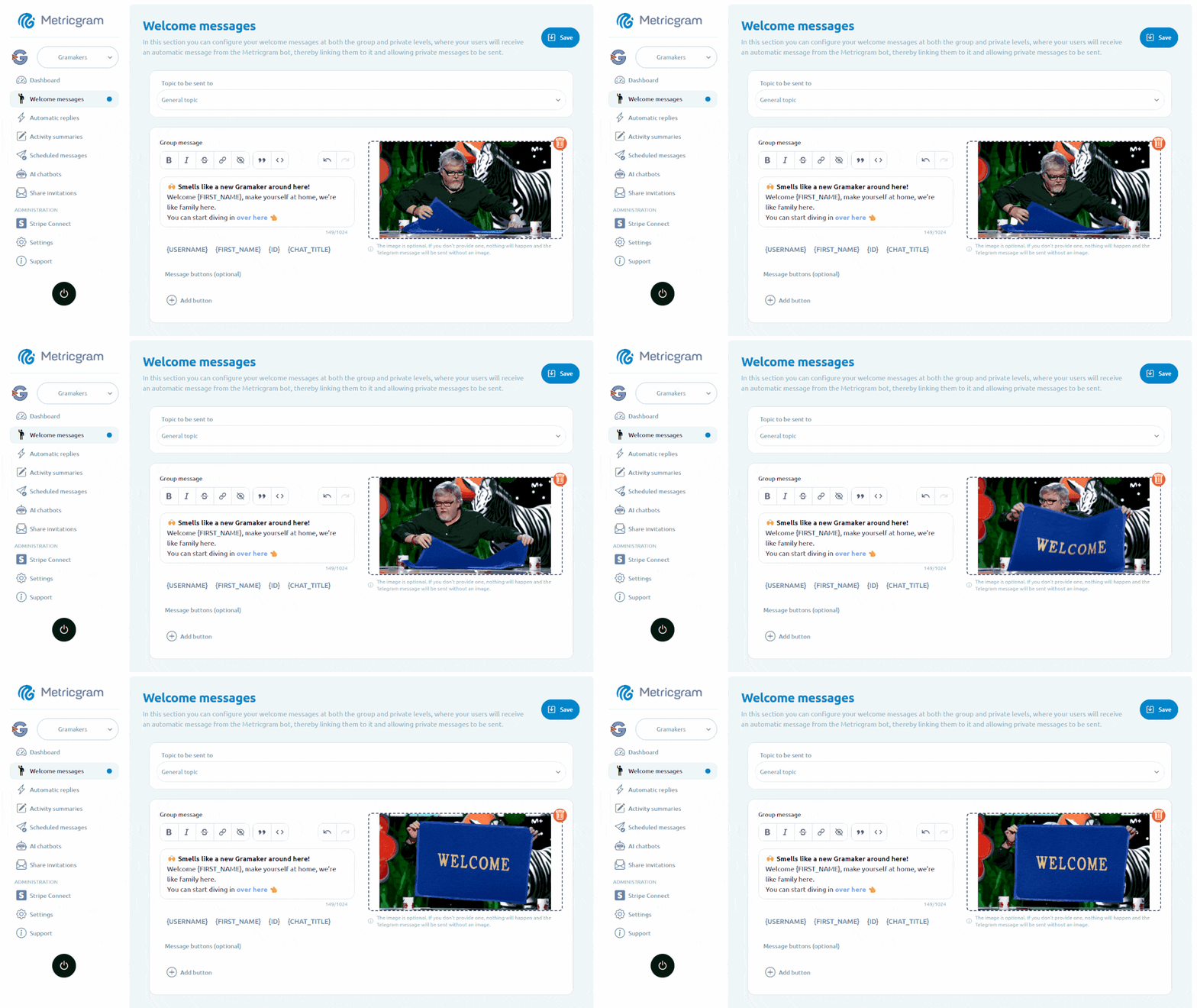
- a welcome DM or a structured welcome message;
- a topic or thread for introductions if the group uses forum mode.
Telegram's native Welcome Message is visible only to the new member, unlike a join service message that appears in the chat for everyone. Use the private message for rules or first steps when you want to orient newcomers without adding more noise; keep the public join notice when the group wants a visible arrival signal.
2. Stop writing manual greetings for every member
In small groups, manual welcomes can feel warm.
In larger groups, they turn into operational spam.
If the group gets steady traffic, personal greetings should become selective, not mandatory.
3. Make welcome messages shorter and disposable
A good welcome message should orient people fast.
It should not become a permanent wall of repeated text inside the main chat.
That is why many operators prefer short automated welcomes and, in some cases, cleanup logic that keeps the feed readable.
4. Improve who gets in and what happens after entry
Join requests, better invite links, clearer positioning, and stronger pre-entry expectations reduce low-intent joins.
That means fewer useless join events and better conversation quality.
When Removing The Noise Helps
Reducing join-related noise usually helps in:
- large public groups;
- product support groups;
- launch groups with bursts of new members;
- paid communities where the main chat should stay focused;
- communities where members join at all hours across many time zones.
In those cases, clarity beats ceremony.
When You Should Keep Some Visibility
In smaller trust-heavy communities, some join visibility is useful.
Examples:
- mastermind groups;
- cohort-based programs;
- founder-led private communities;
- small paid rooms where intros are part of the experience.
In those groups, the right move is not to erase the arrival signal. The right move is to structure it.
An intro topic, a first prompt, or a short guided welcome often works better than trying to make every entry invisible.
Where Metricgram Fits
Metricgram is useful when the real problem is the whole onboarding and moderation workflow around new members, not one service line in the chat.
That includes:
- welcome messages that explain next steps clearly;
- automated replies that reduce repetitive admin work;
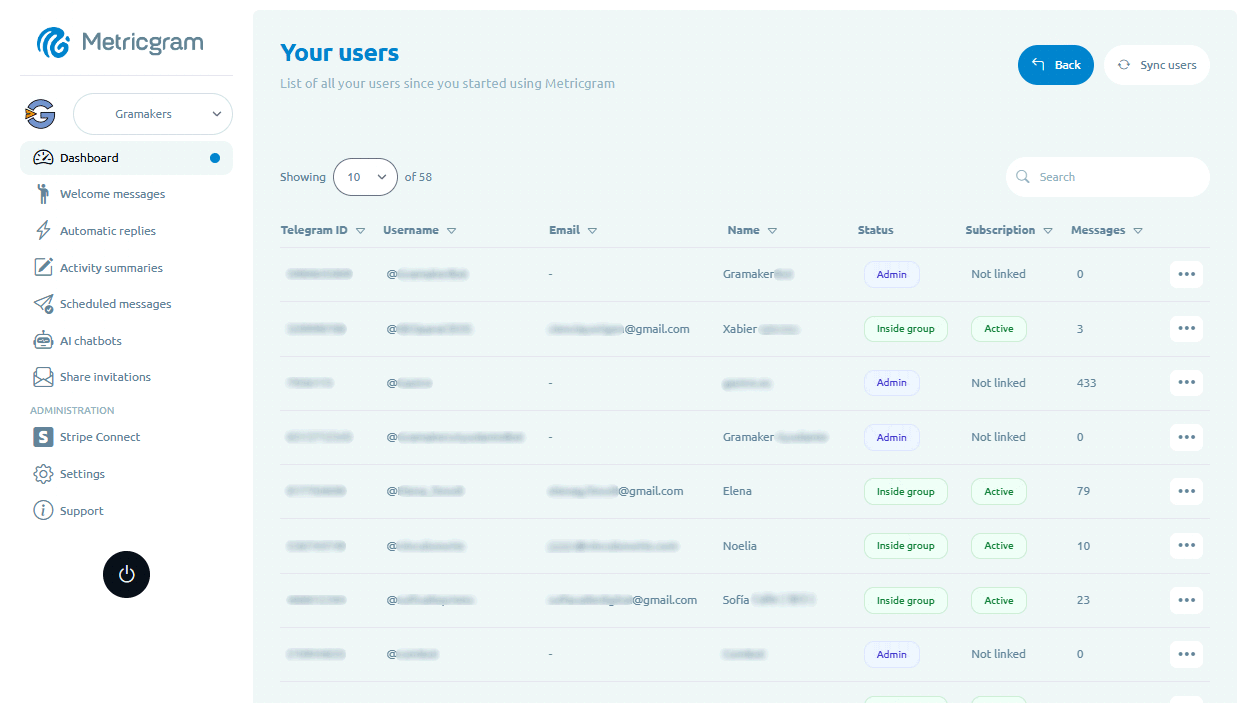
- analytics that show whether new members stay or disappear;
- operational structure for communities that cannot rely on manual cleanup forever.
That is a better use of automation than obsessing over one noisy line while the broader onboarding is still weak.
What matters most
If you want to remove join messages in Telegram, think beyond the phrase itself.
The goal is not perfect invisibility. The goal is a cleaner community experience.
Use Telegram's native flow where it helps, reduce repetitive visible noise where it does not, and build onboarding so new members know exactly what to do even when the chat stays tidy.
Ready to manage your Telegram group with Metricgram?
Automate tasks, track analytics, and grow your community with a 14-day free trial. No credit card required.
Start free trialGet weekly Telegram community tips
Join community managers who receive our best tips, guides, and product updates.
You may also like
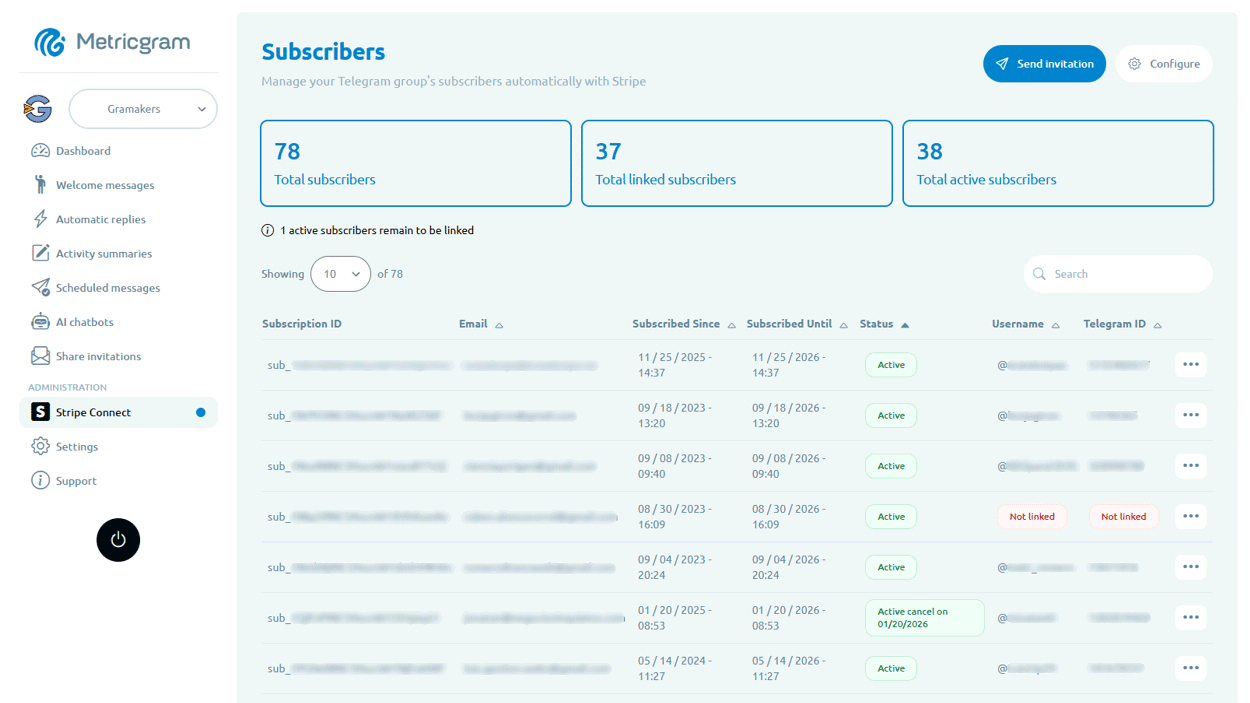
Telegram Subscription Bot: How To Sell Access Without Manual Admin Work
Learn what a Telegram subscription bot should do, how payments and invite links fit together, and how to evaluate automation for a paid Telegram group or channel.
Telegram For Educators: How To Run Cohorts, Student Communities, And Office Hours Without Replacing Your LMS
Telegram is a strong fit for educators when it is used as the live layer around a course or training business. This guide explains how to use it for cohorts, student communities, office hours, and support without turning it into a substitute for your LMS.